Volleyball player stats that families can actually read.
CourtsideView’s Courtside mode records player actions such as kills, digs, blocks, aces, assists and errors alongside match and lineup context. It is for parents and teams who want player-level tracking. A registered account is required; choose Scorekeeper when you only need the team score.
Available for iPhone, iPad, and Android.
Player-level contextTrack the touches and actions that explain how the match is actually unfolding.
Rotation contextKeep stats connected to the players on court instead of a disconnected stat sheet.
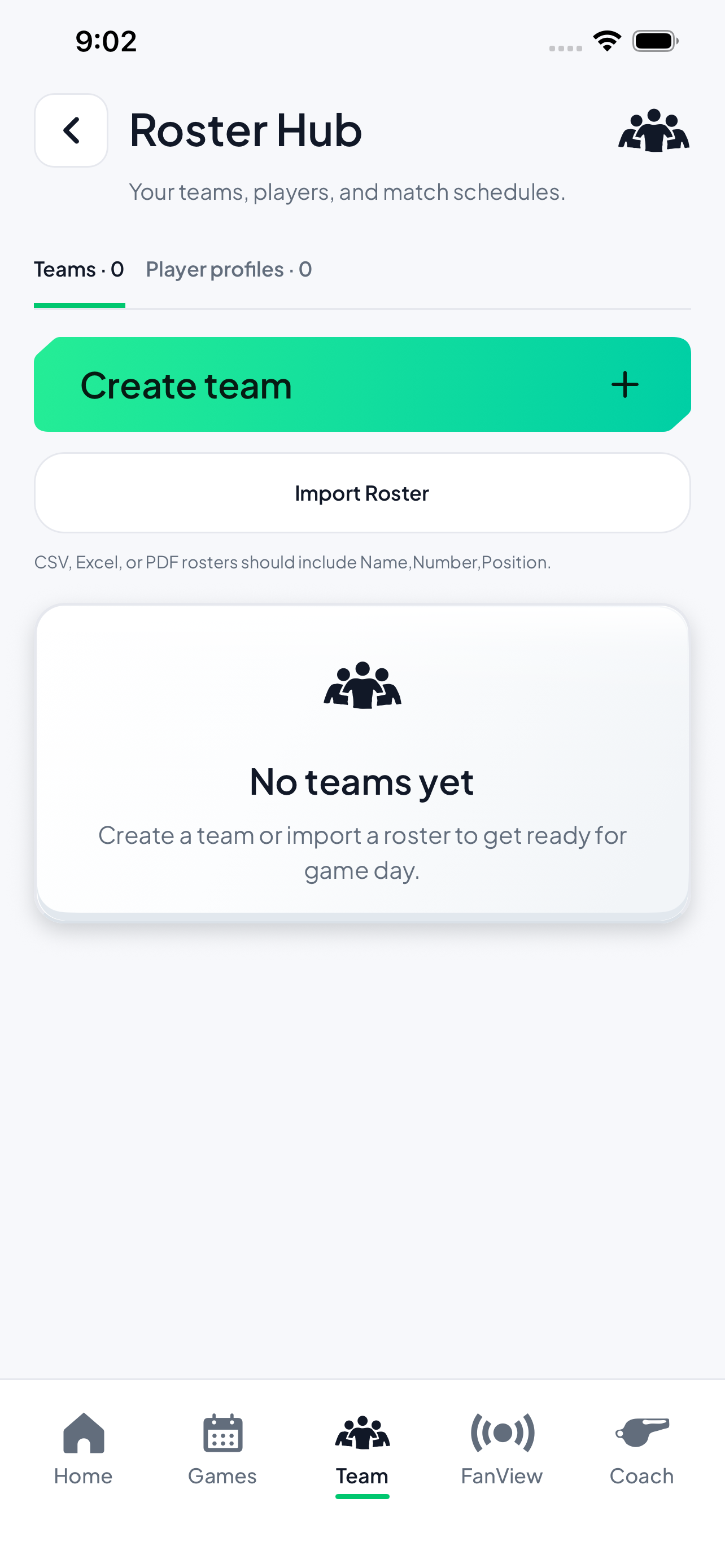
Roster awarenessUse team and player profiles so names, numbers, and positions stay close to the match.
FanView sharingShare live score context so stats and match flow are easier for families to follow.
Track the work behind the score.
A final set score does not explain who served tough, who kept rallies alive, or which rotation changed the match. CourtsideView keeps volleyball player stats close to the live match so the numbers have context.
Use CourtsideView to follow the athletes on court, track player actions, and keep stats readable for the people who care most: players, parents, coaches, and families.
For scorekeepersKeep the score and stat context in the same match-day workflow.
For coachesSee player context without waiting for a post-match spreadsheet.
For parentsUnderstand what happened beyond the final score and the group chat recap.
For athletesGive players a clearer record of the work they put into each match.
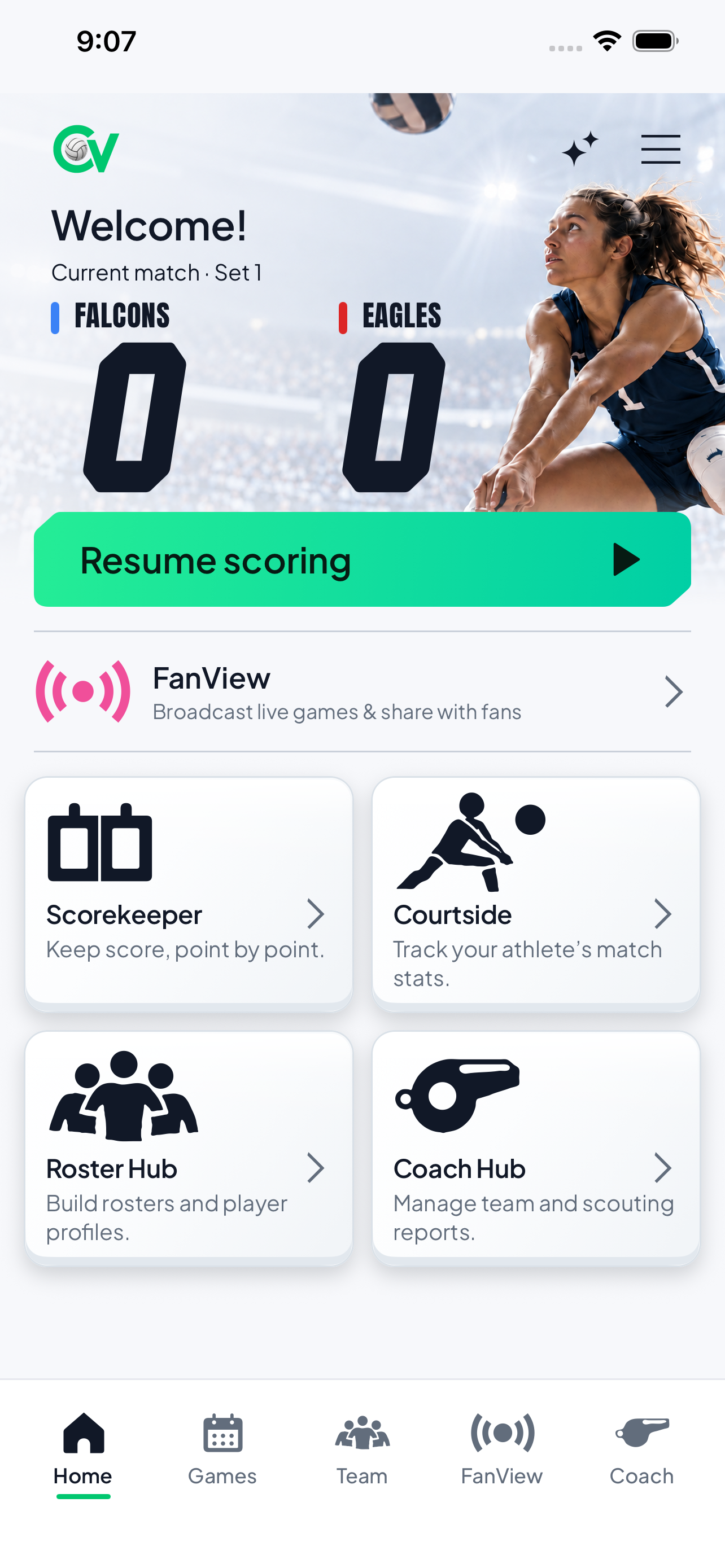
Open Courtside from Home to track player stats.
From rotation to player recap.
CourtsideView keeps stat tracking tied to the live match: set up the roster, follow who is on court, record player actions, and keep match context visible as the set changes.
1. Build the roster
Use player names, numbers, and positions so stats start with the right team context.
2. Track the rotation
Keep lineup and on-court context visible while the match moves through each set.
3. Record player actions
Capture the player-level moments that help families and coaches understand the match.
Stats feel better when the match context stays attached.
Player stats are easier to trust when they are tied to the score, lineup, and match flow. CourtsideView keeps those pieces together instead of forcing families to reconcile separate notes after the final whistle.
That makes the app useful for more than the final result: it helps everyone understand who contributed, where the match shifted, and what happened during the set.
A practical walkthrough
Choose player tracking when the athlete’s actions matter
Courtside mode is the player-tracking workflow. It requires a registered account. Choose Scorekeeper instead when you only need the team score.
Start with the right role
Choose Courtside from Home. The pictured Home screen separates Courtside, Scorekeeper and Roster Hub so you can choose the job before the match.
Check who you are tracking
Prepare the player or roster information needed for your match. Confirm names and numbers, and check the on-court context before assigning an action.
Record the action you observed
Use the player-tracking workflow to attribute the action to the athlete. Confirm what happened before recording it; do not turn an uncertain rally into a guessed statistic.
Review the player entries
Compare the recorded player and action with your observation. Use the game’s score and lineup as context. A player action is not necessarily an extra point; a dig and an assist can be part of the same rally.
The Courtside card is the entry for athlete match stats. Scorekeeper is a separate score-only choice; Roster Hub manages player and team information. This image shows role selection, not a statistics result.
Understand the actions you record
CourtsideView’s public app listing describes kills, digs, blocks, aces, assists, errors and serving rotations. These short sport definitions help explain five of those actions; they do not establish a particular report formula or official scoring certification.
Kill
An attack that directly wins the rally.
Dig
A defensive pass that keeps an opponent’s attack in play; receiving a serve is a different action.
Assist
The pass to a teammate whose attack produces a kill.
Ace
A serve that directly earns a point, including one the receivers touch but cannot keep in play.
Block
For a credited block statistic, the block must directly win the rally. A block touch alone is different.
Fictional example: one rally, several contributions
Player 7 keeps an opponent’s attack in play, Player 3 passes to Player 12, and Player 12 attacks for the winning point. That sequence can be described as a dig, an assist and a kill under the definitions above. It is still one team point, not three.
This illustrates stat interpretation, not an exported app report or a measured athlete result. Record only what you observed, check the assigned athlete, and review the match’s player entries. Do not infer hitting percentage, automatic video recognition or a specific report calculation from these action counts.
Written by CourtsideView · Updated October 26, 2026. Existing app imagery illustrates the controls and roles described; screen appearance can vary by version.
Volleyball player stats questions
Can I use CourtsideView as a volleyball player stats app?
Yes. Use Courtside mode with a registered account for player-level match tracking. The public app listing describes kills, digs, blocks, aces, assists, errors and serving rotations. Use Scorekeeper for a score-only match.
Does CourtsideView connect stats to the live match?
Yes. Player stats stay connected to the match flow, score, roster, and rotation context so the numbers are easier to understand.
Does CourtsideView track volleyball rotations?
CourtsideView supports lineup setup and rotation visibility in its player-tracking workflow. Keep the on-court information accurate while recording actions; rotation visibility is not automatic video detection or official lineup certification.
Track the next match with CourtsideView.
Use CourtsideView on iPhone, iPad, or Android to track volleyball player stats, rotations, rosters, and live match context.